

Irus SpaceHeat adds a new level of remote control, monitoring, and environmental insight to your property.
Fully integrated with the Irus Portal, SpaceHeat places a ControlSensor in each room, managing individual heat sources to optimise comfort and efficiency. The system automatically reduces heat output when rooms are unoccupied or when windows are open — ensuring energy is used only when needed.
Each ControlSensor includes integrated sensors for occupancy, humidity, light, and sound pressure, with an optional CO₂ module available. The sensors continuously transmit environmental data to the Irus Portal, providing real-time insight across the entire site. The system analyses conditions and sends instructions back to adjust heat sources accordingly.
Alerts can be configured to notify assigned personnel of unusual environmental conditions, such as abnormal humidity, noise, or temperature levels, ensuring prompt investigation and action.
What additional equipment is required?
Depending on the complexity of the site, your installation may include:
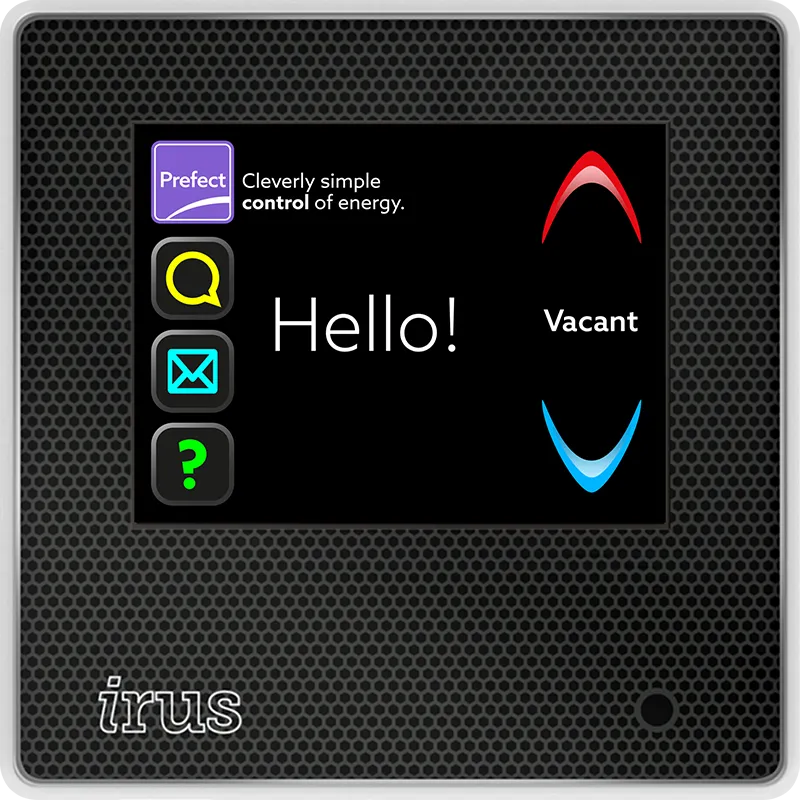
ControlSensor
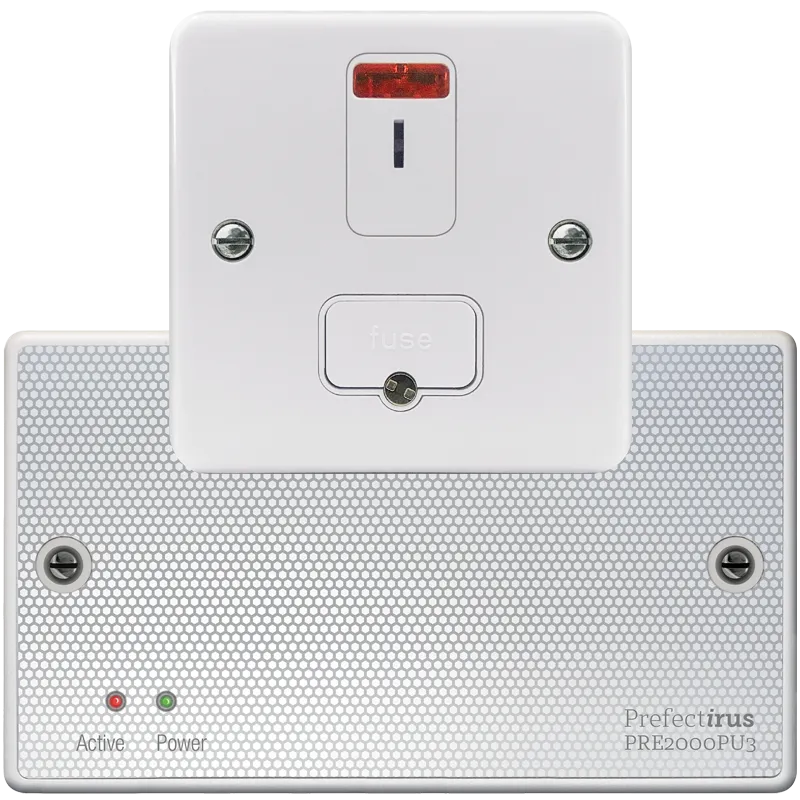
Power Unit and isolation switch
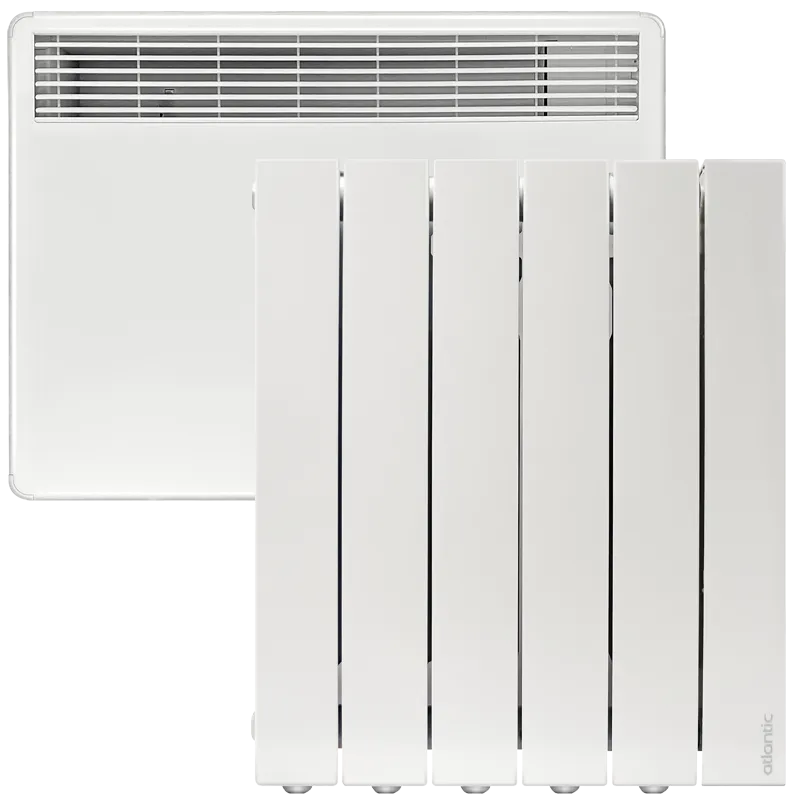
Heat source
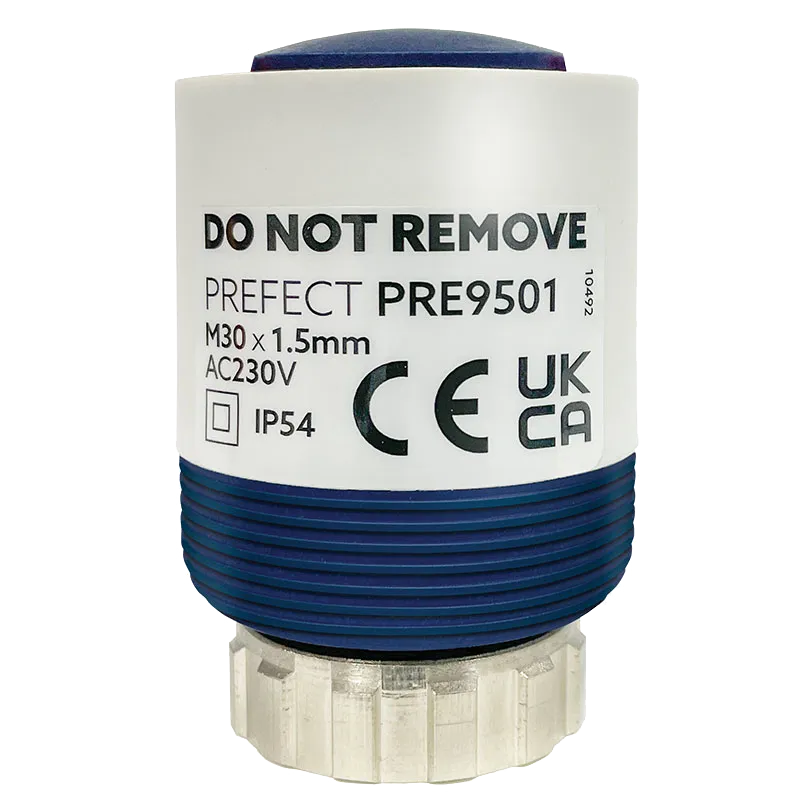
Valve Actuator for ‘wet’ systems
What does SpaceHeat report.
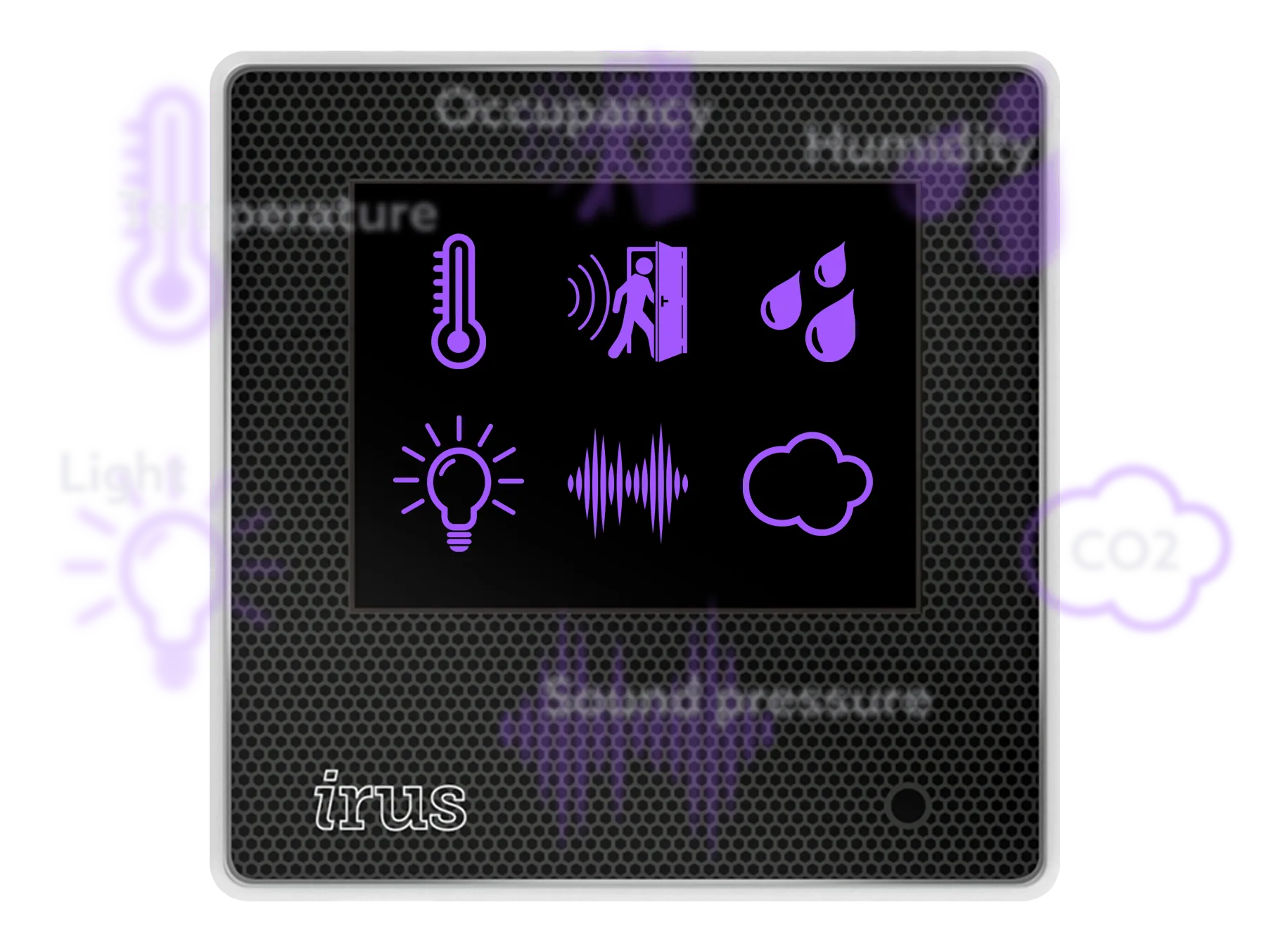
The ControlSensor in each room controls the heat source, by monitoring room temperature and occupancy and comparing this data with the profile set for the room. It also has integrated sensors that monitor environmental conditions:
- Room temperature
- Occupancy
- Humidity
- Light
- Sound pressure
- CO2 (optional)
What does Optimiser+ SpaceHeat tell you?

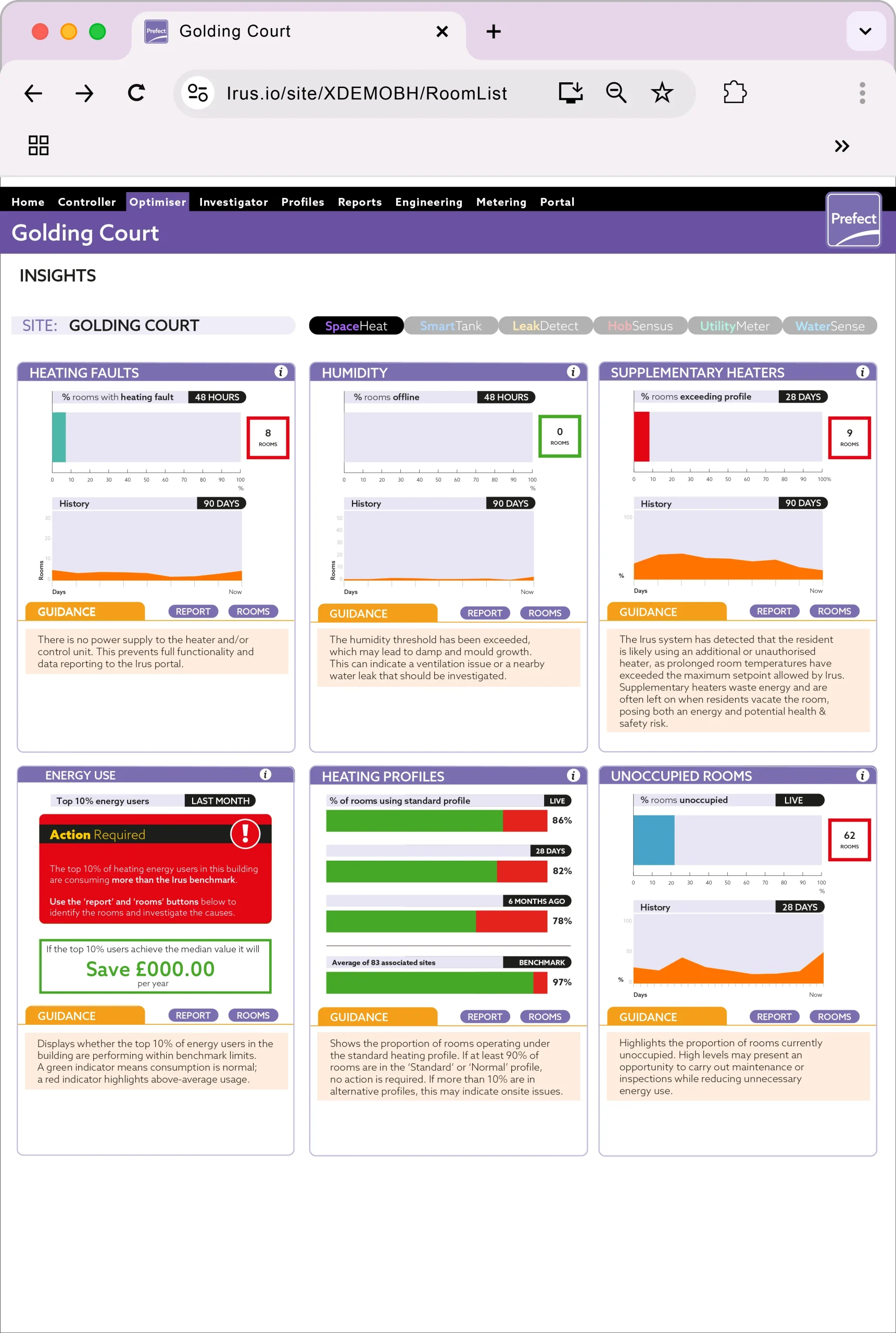
Optimiser+ Optimiser+ SpaceHeat analyses and displays data. It shows performance, identifies current issues, and highlights potential problems.
rGraphs and tables present the percentage of rooms or equipment in the spotlight, both recently and historically. Unusual consumption and manual interventions are also highlighted.
To distinguish between “Areas for concern” and “Good” performance, the number of rooms or devices affected, are displayed in red or green panels respectively.
Optimiser also provides guidance infromation for quick fixes. Immediate action will improve performance and ensure your system is running efficiently.

Data analysed includes:
- Heating faults
- Energy use
- Humidity
- Supplementary heaters
- Heating profiles
- Unoccupied rooms
An information panel explains:
- What each panel represents
- What “good” looks like
- How to access more information
Control. Visibility. Intelligence.
You have the Irus infrastructure – take a look at the other modules + Optimiser to, cost effectively, complete your Irus building services monitoring and control system.





